MP3 vs WAV vs FLAC vs M4A: Which Audio Format Should You Use?
Audio formats can seem confusing, yet the decision usually comes down to one question: do you need to keep every bit of the original sound, or is a much smaller file more useful? Once you have answered that, the rest is simple.
This guide explains the difference between lossy and lossless audio, compares what each format costs in space, and offers plain recommendations for music, voice recordings, editing and everyday playback, along with the mistakes that waste space without improving anything.
Try it now:Audio Converter →
Lossy and lossless: the basic split
Lossless formats such as WAV, FLAC and AIFF keep the sound exactly, so what you play back is identical to what was recorded. WAV stores the audio uncompressed, while FLAC packs it down, much as a ZIP does with a document, and unpacks it perfectly on playback.
Lossy formats, including MP3, AAC (often in M4A files) and OGG, permanently discard parts of the sound that people find hard to hear, such as quiet sounds right next to loud ones. This shrinks the file dramatically, and at sensible bitrates, most listeners cannot tell the difference. The catch is that what has been discarded cannot be recovered.
How much space each format takes
These figures are approximate for one minute of stereo audio at CD quality. Uncompressed audio has a fixed rate, so its size is easy to calculate, while FLAC depends on the content, and compresses simple speech better than dense music.
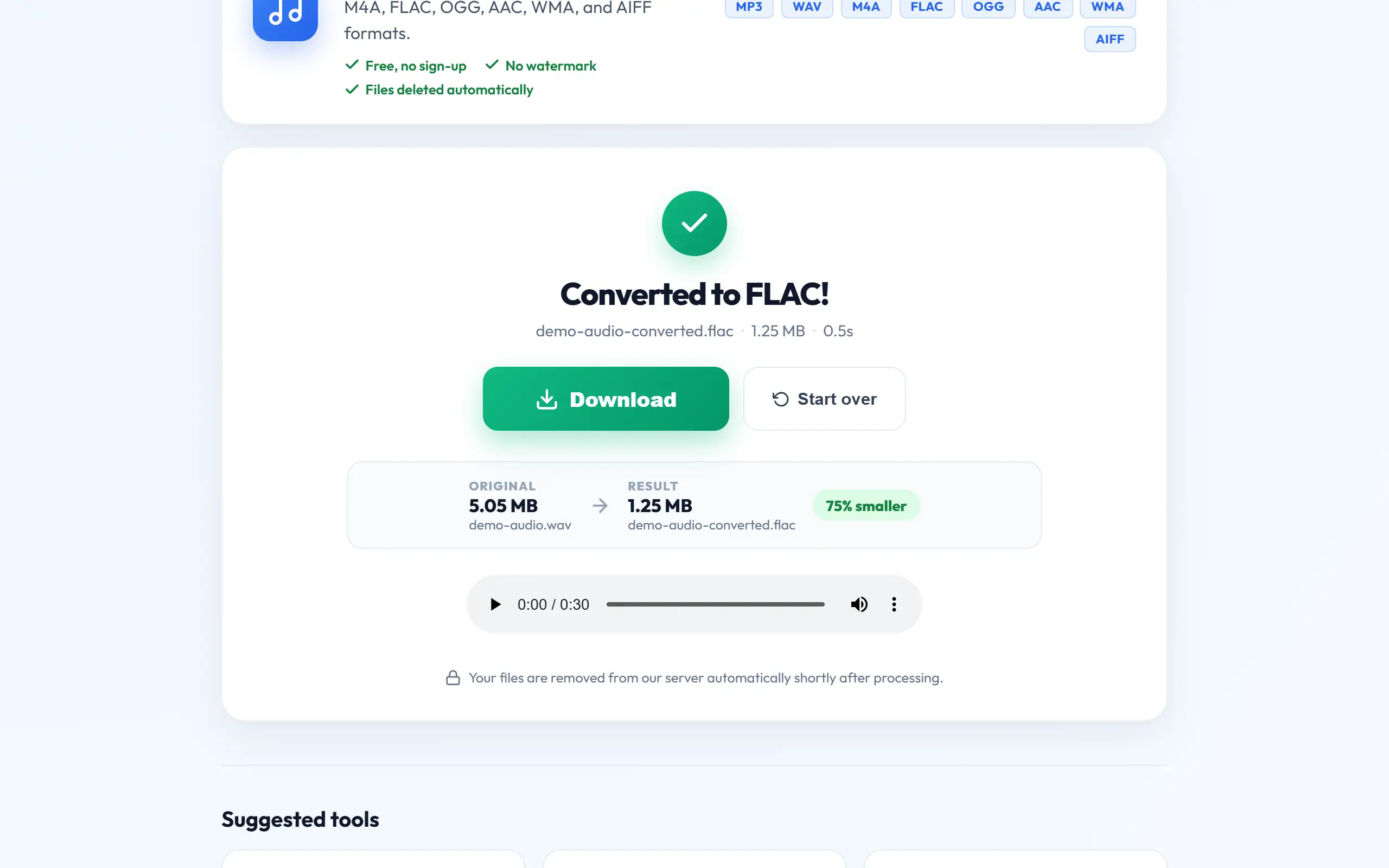
The difference is striking. A one-hour lecture is about 600 MB as WAV, yet under 30 MB as a mono MP3 at 64 kbps, and it remains perfectly easy to follow. That is why format choice matters so much more for speech and long recordings than for a single short song.
WAV, 44.1 kHz stereo
FLAC
MP3 at 320 kbps
MP3 at 192 kbps
M4A (AAC) at 128 kbps
MP3 at 64 kbps, mono
10 MB
5–7 MB
2.4 MB
1.4 MB
1 MB
0.5 MB
Which format should you choose?
For playing almost anywhere, MP3 is the safest option, since phones, cars, TVs and old players all understand it. M4A with AAC sounds slightly better at the same bitrate and works well on phones, especially iPhones, though some older devices will not play it.
For editing, use WAV. Audio editors work with it directly, and repeated saves lose nothing. Keep it as your working format and export to something smaller only when you finish. For archiving a music collection, FLAC is ideal, because it keeps the full quality at about half the size of WAV, and you can always make MP3 copies from it later.
For websites and web apps, OGG and AAC are both efficient, although MP3 is still the most widely compatible. For voice messages, lectures and podcasts, a mono MP3 at 64–96 kbps gives small files and perfectly clear speech.
Choosing a bitrate
Bitrate is how much data is used per second of sound. For music in MP3, 192 kbps is a good everyday choice, and 320 kbps is the maximum, mostly useful if you have good headphones and care about quality. Lower bitrates such as 128 kbps are acceptable on phones and in noisy places, though cymbals and strings may start to sound a little swishy.
Speech needs far less. A mono recording at 64 kbps is clear, and 96 kbps is comfortably good. The way to decide is simple: convert a short section at two different bitrates, then listen on the headphones or speakers that your audience will actually use, as differences that are obvious on a studio monitor can vanish on a phone speaker.
Sample rate and mono or stereo
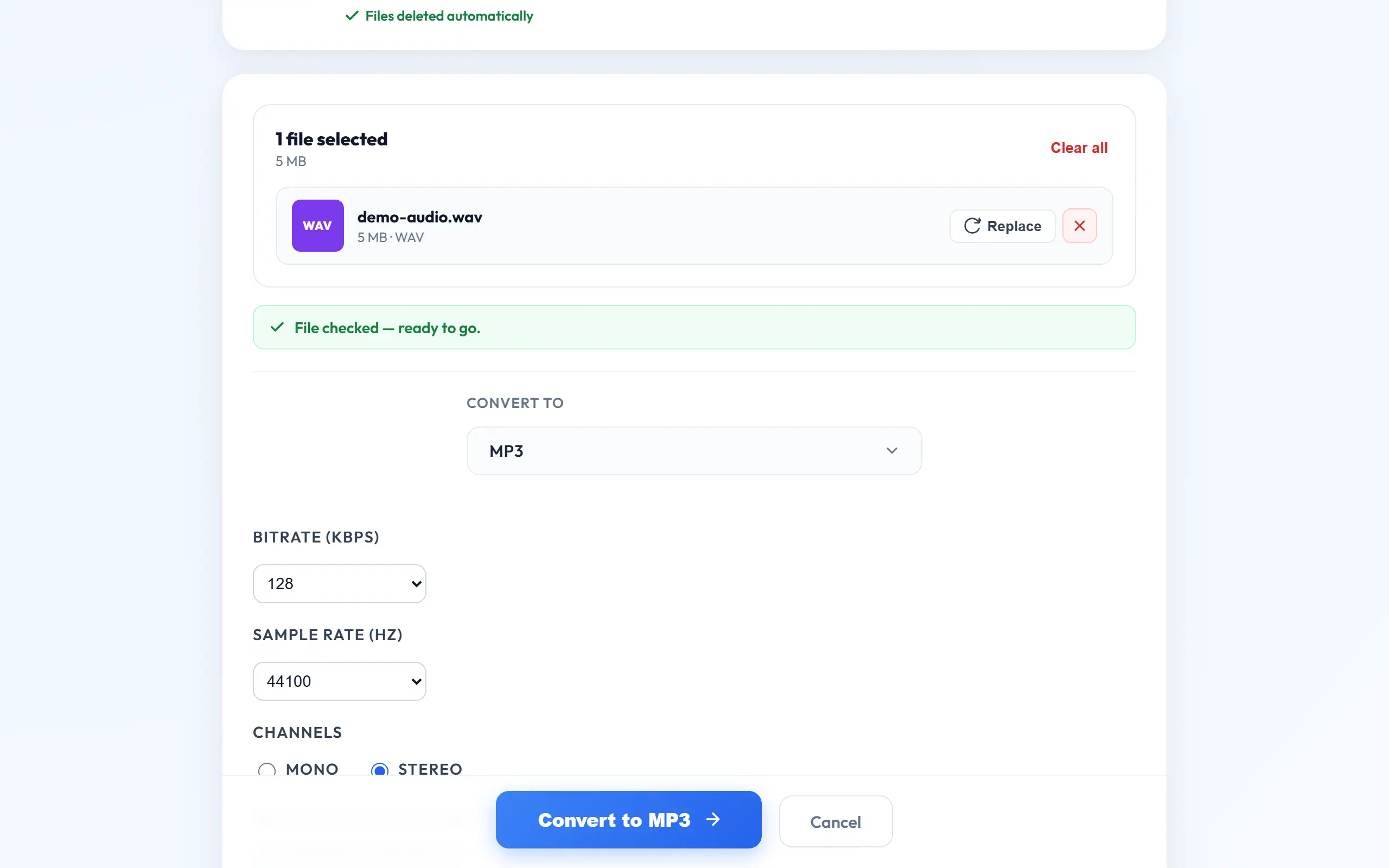
Sample rate is the number of times per second the sound is measured. 44,100 Hz is the CD standard and suits nearly everything, while 48,000 Hz is standard for video. Many older car stereos and players expect 44,100 Hz, so choose that if a file will not play. Using a higher sample rate than the source adds nothing.
Mono combines both channels into one, and it halves the data needed for the same quality per channel. It is the natural choice for a single speaker, such as a lecture or voice note, and it often sounds fine on phones, which may only have one speaker anyway. Keep stereo for music, where separation between left and right is part of what you are hearing.
Common mistakes
The biggest misunderstanding is that converting a low-quality file into a better format improves it. Turning a 128 kbps MP3 into WAV or FLAC gives you a much larger file with exactly the same missing sound. Going from one lossy format to another, say from AAC to MP3, even loses a little more, so always convert from the highest-quality source you have.
Repeatedly editing and re-saving MP3 files has a similar effect, as each save throws away a little more, so work in WAV and export once. Be cautious also with audio downloads labelled "320 kbps", as a low-quality source re-saved at a high bitrate has the label without the quality. A larger number on a file does not prove it sounds better.
Converting audio step by step
Audio Converter handles MP3, WAV, M4A, AAC, FLAC and OGG, and it can also read AIFF and WMA.
- Open Audio Converter and upload your file.
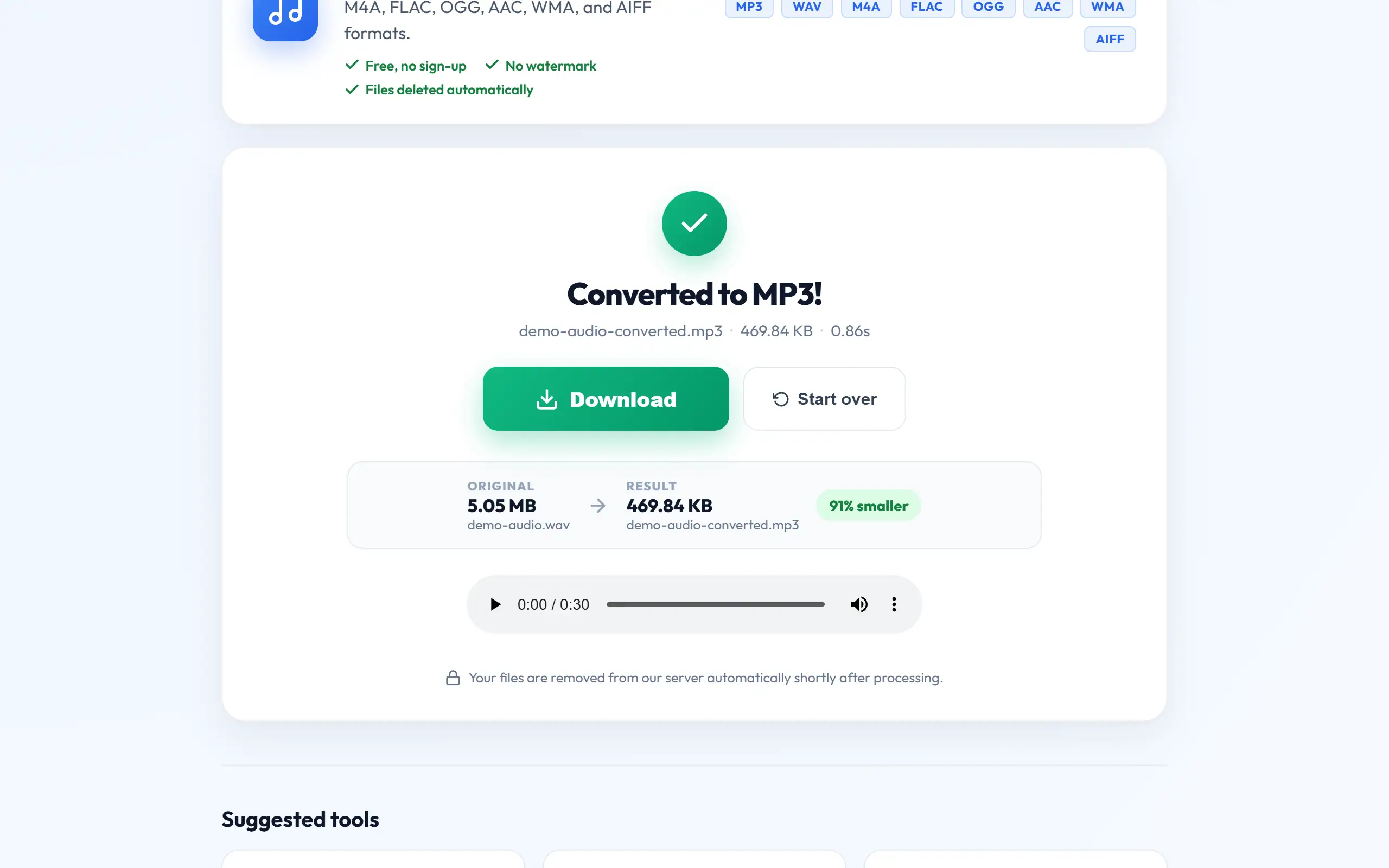
- Choose the output format, then set the bitrate, sample rate and mono or stereo if you need to.
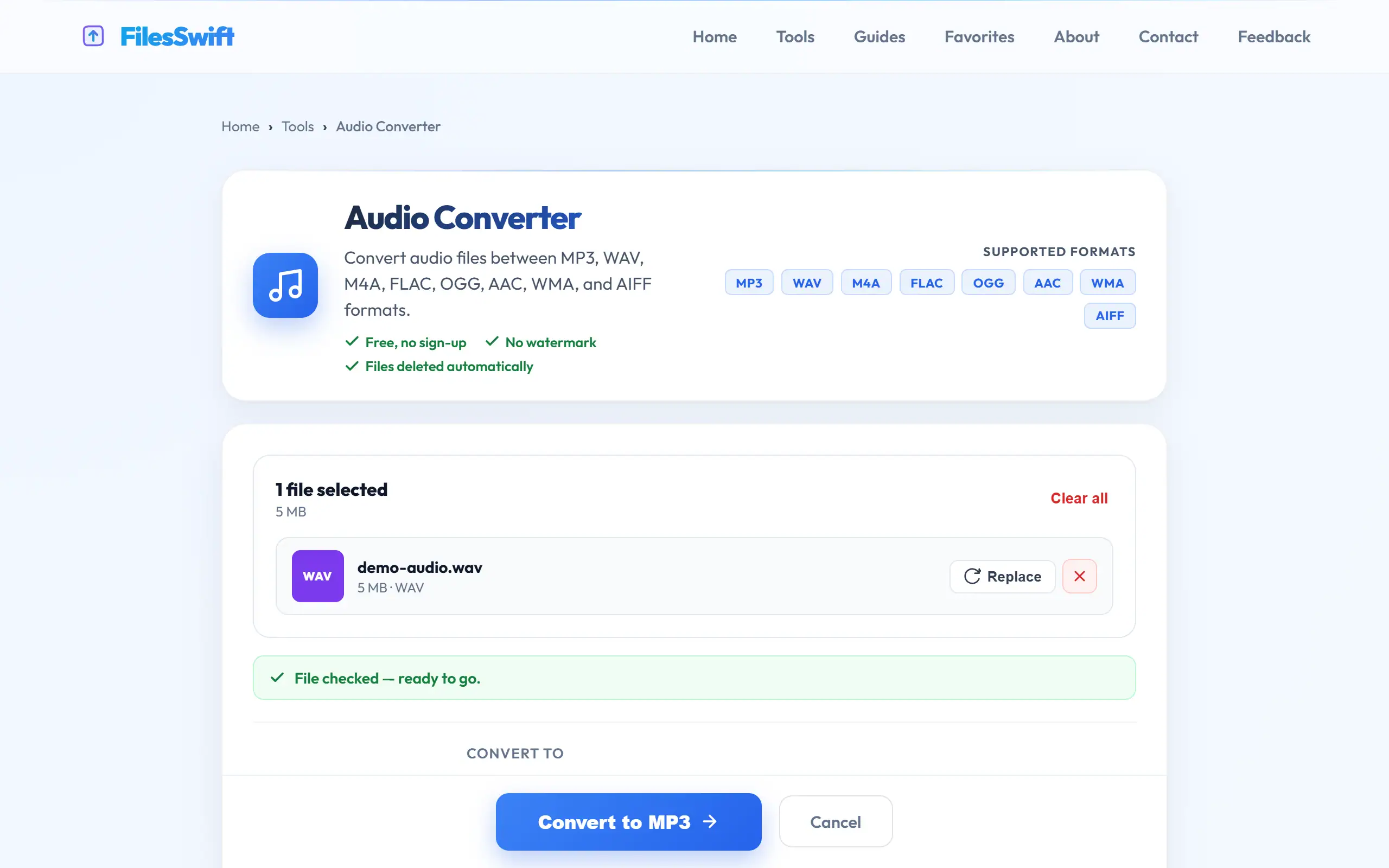
- Convert it, download the result, and listen to a section to check it before you delete the original.
Practical recipes for everyday jobs
A few common jobs come up again and again, and each has a sensible default. For a recorded lecture or meeting that people will listen to on their phones, choose MP3, mono, 64–96 kbps. An hour stays under about 45 MB, and it remains perfectly clear. For a song you want to play on an older car stereo, choose MP3, stereo, 192 kbps at 44,100 Hz, which is the combination such players are most likely to accept.
For music you are archiving from CDs or a recording session, choose FLAC and keep it somewhere safe. You can always make smaller copies later, and nothing has been thrown away. For a track you intend to edit, use WAV, then export the final mix to whatever your audience needs. For a voice-over in a video, keep it at 48,000 Hz, which is the standard sample rate for video, so that the editor does not have to convert it.
If you are unsure, convert a one-minute section first and compare the size and sound before processing a long recording, as this takes only moments and may save you a much longer wait later.
Frequently asked questions
Can people really hear the difference between MP3 and FLAC?
At high bitrates and on ordinary equipment, most people cannot in careful listening tests. FLAC remains useful for archiving, since it lets you create any format later with no generation loss.
Is M4A the same as MP3?
No. M4A is a container, usually holding AAC audio, which is a newer codec than MP3 and sounds slightly better at the same bitrate. MP3 remains more widely compatible.
What format do WhatsApp voice notes use?
They are typically Opus audio, saved with an .opus or .ogg extension. Audio Converter accepts .ogg files, so a note saved that way can be converted to MP3 if it will not play elsewhere.
Why won't my car stereo play the file?
Many older stereos understand only MP3 at standard sample rates. Convert to MP3 at 44,100 Hz with a common bitrate such as 192 kbps, and copy it again.