Common JSON Errors and How to Fix Them
JSON looks simple, and its rules are, but they are strict. A single misplaced comma makes an entire document unreadable to a parser, and the error messages, such as "Unexpected token } in JSON at position 482", do not always make it obvious what went wrong.
This guide goes through the mistakes that cause most JSON errors, shows how to fix each of them and explains how to read an error message so that you can find the real problem quickly. You can paste your own document into JSON Validator as you read, and it will point to the exact line and column.
Try it now:JSON Validator →
How to read a JSON error message
A parser reads from the start and stops at the first thing it cannot accept. So the position it reports is where it became confused, which may be just after the real mistake. An unclosed string, for example, might only be noticed many lines later, once the parser runs into something it cannot make sense of.
So start at the reported line, and then look backwards. Check the end of the line above for a missing comma, and look for a quote that was opened but never closed. Formatting the document first helps a great deal: a single-line response gives you only "position 482", whereas formatted text with line numbers takes you straight to the right place.
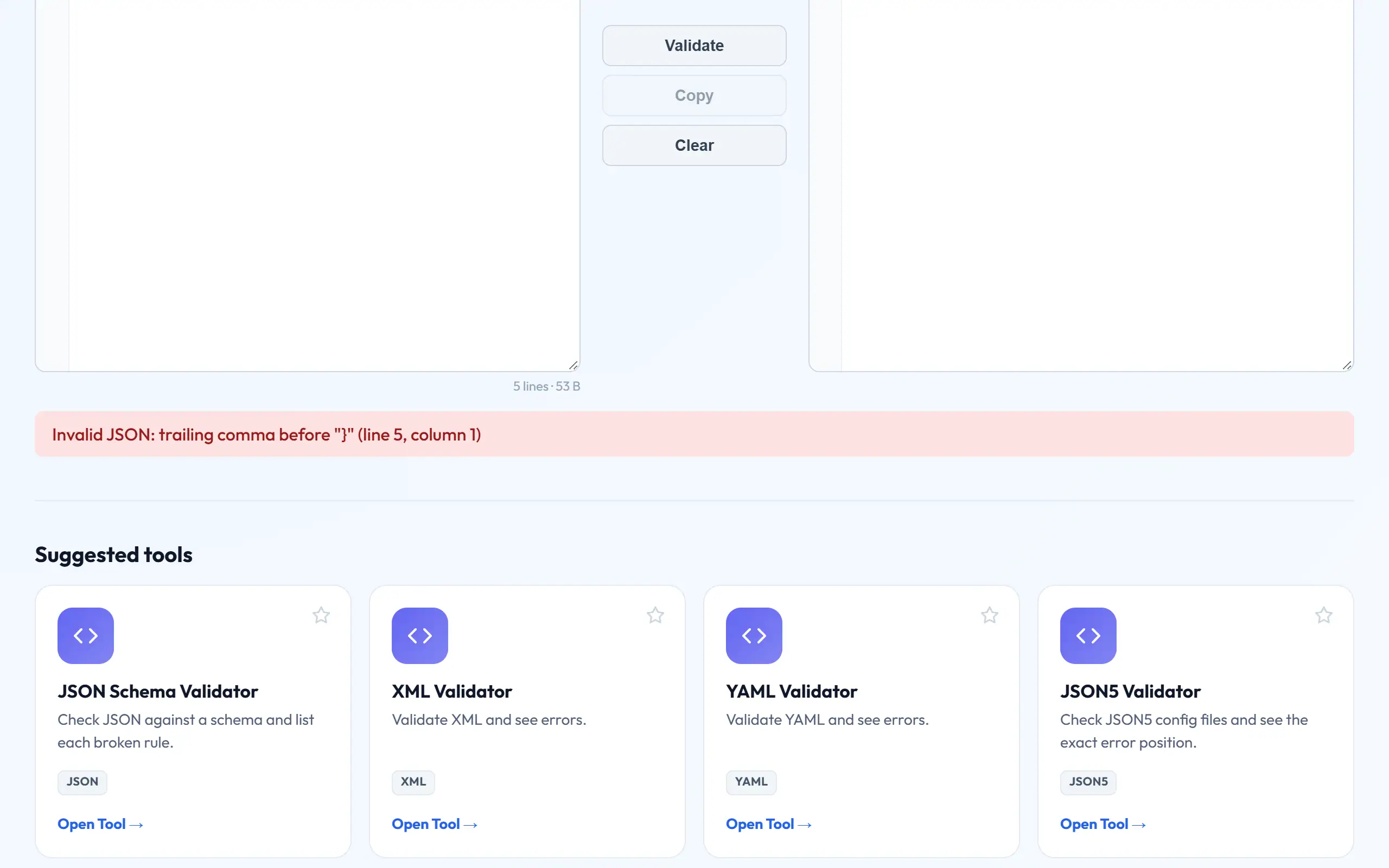
Error 1: trailing commas
This is the most common mistake of all, and it is an easy one to make, as JavaScript allows it, and many developers add a comma out of habit. JSON does not allow a comma after the last item in an object or array. Delete it, and the error goes away.
{
  "name": "Asha",
  "age": 24,
}{
"name": "Asha",
"age": 24
}
Error 2: single quotes and unquoted keys
Every key and every string must use double quotes. Text that uses single quotes or has bare keys is common when someone copies a JavaScript object or prints a Python dictionary, and it looks like JSON without really being valid JSON.
Python's print() is a frequent source of this, because it shows dictionaries with single quotes, and it writes True and None instead of true and null. Use json.dumps() in Python to get proper JSON rather than printing the object. In JavaScript, JSON.stringify() does the same job. Fixing the output at the source is far better than repairing it by hand.
{ 'name': 'Asha', active: True, city: None }{ "name": "Asha", "active": true, "city": null }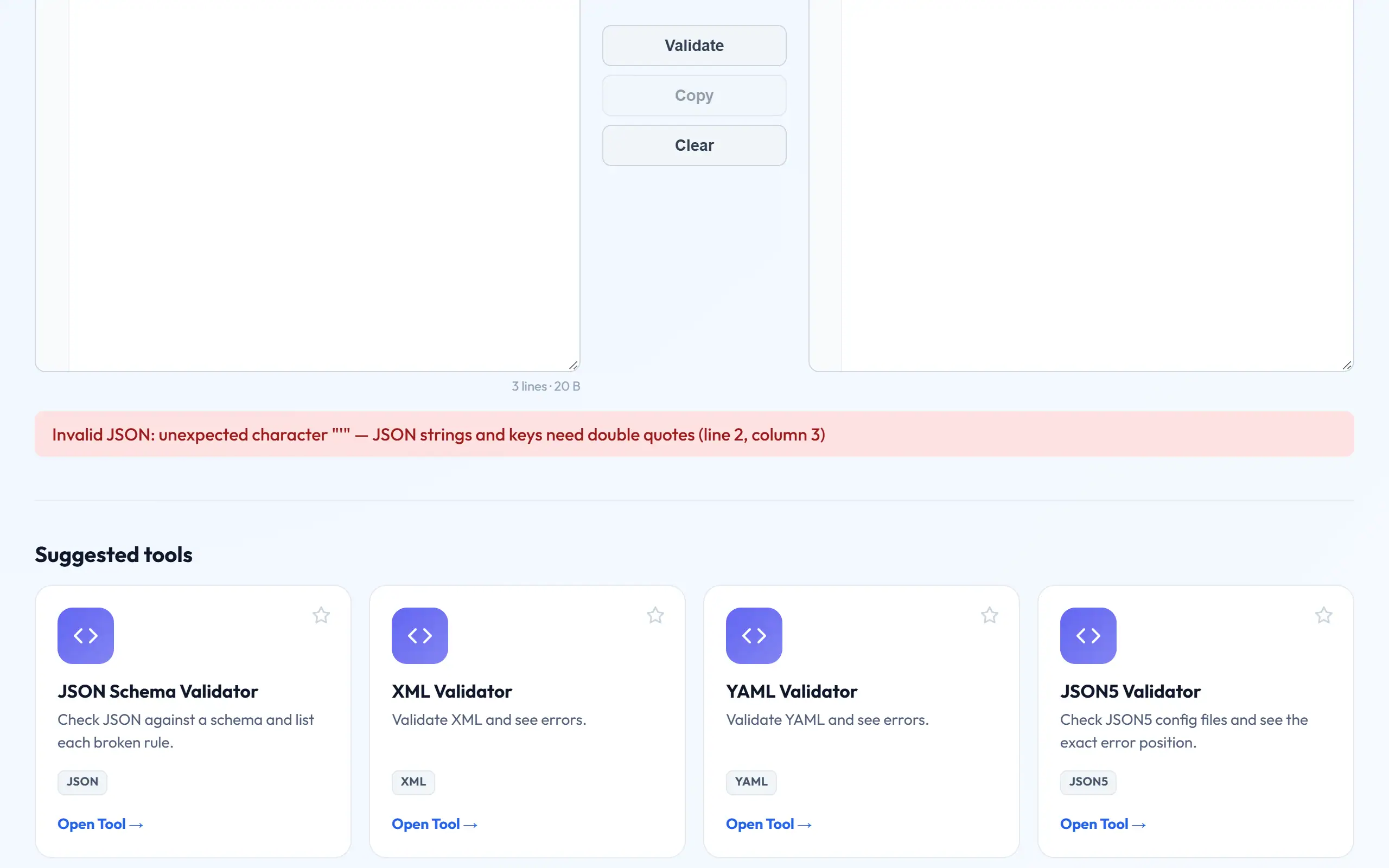
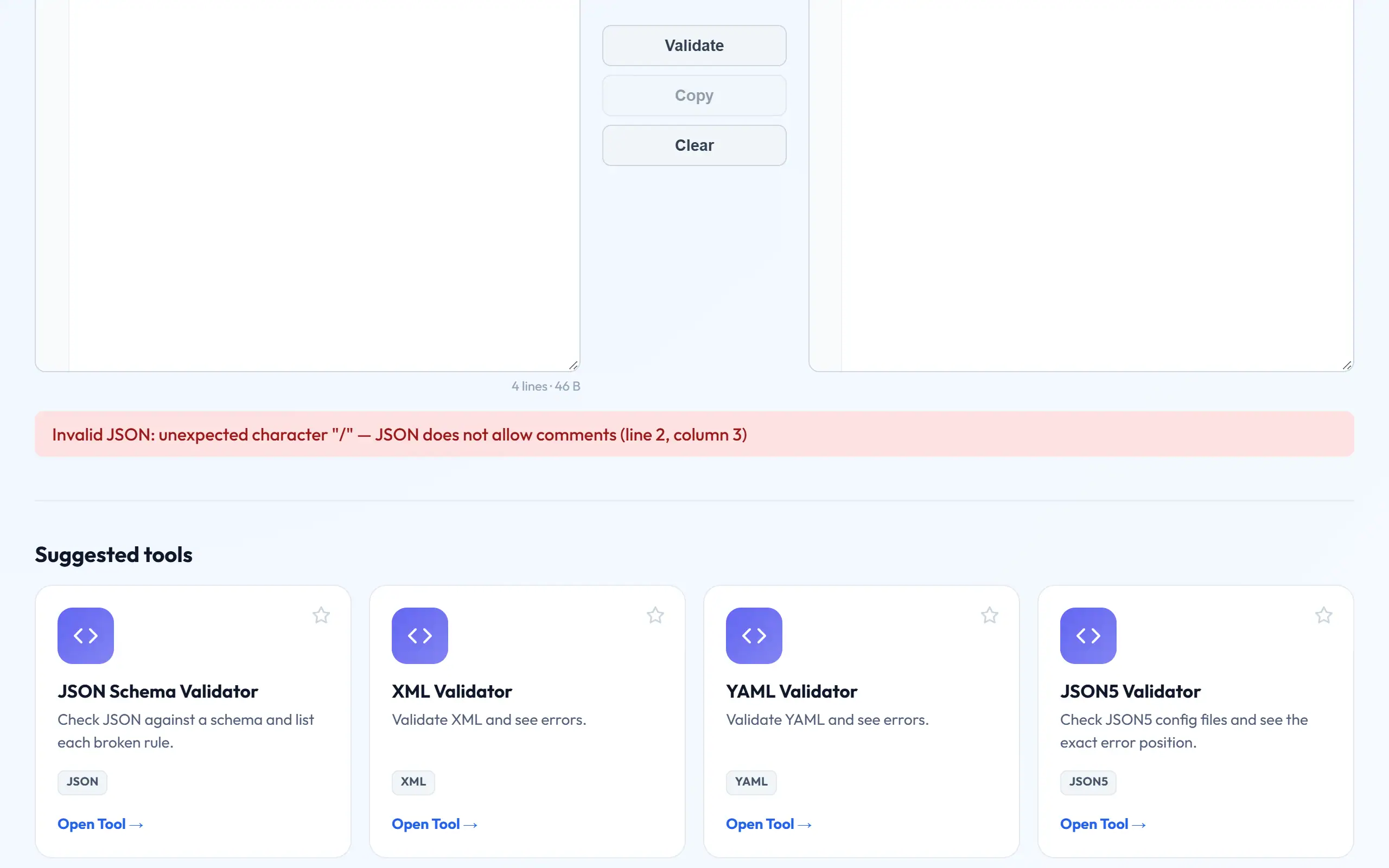
Error 3: comments
Standard JSON has no comments at all, whether // or /* */. Files such as tsconfig.json and VS Code's settings accept them only because those tools use an extended format called JSONC. Paste one of those into a strict validator, and you will get an error.
If you need notes in a data file, one common workaround is an ordinary field such as "_comment": "explains this block", which programs simply ignore. If your config loader supports it, JSON5 allows comments properly, and JSON5 Validator can check those files. But never send JSON5 to an API, as it will expect strict JSON.
Error 4: unescaped characters inside strings
A double quote inside a string ends the string early, so it has to be written as \". A backslash must be written as \\, and it catches many people out with Windows paths. Real line breaks are not allowed inside a string either; they must be written as \n.
If you are building JSON by joining strings in code, stop and use your language's JSON library, which handles all this for you. String joining is the source of a great many production bugs, as it works fine until someone's name contains a quote. To escape a single value by hand, paste it into JSON Escape.
{ "title": "The "Best" Tool",
"path": "C:\Temp\new" }{ "title": "The \"Best\" Tool",
"path": "C:\\Temp\\new" }Error 5: invisible and unusual characters
Sometimes JSON looks perfect yet still fails. The cause can be something you cannot see. Curly "smart" quotes, which word processors and some chat apps insert automatically, look very like straight ones, but they are completely different characters to a parser, so avoid writing JSON in a word processor.
A BOM at the start of a file can produce an error on the first character, and non-breaking spaces copied from web pages can trigger errors in the middle of a line. If you have an error that makes no sense, delete the line and retype it by hand. That quickly tells you whether an invisible character was to blame.
Problems that do not cause a syntax error
Valid JSON can still be wrong. Duplicate keys are allowed by the parser, which then quietly keeps only the last value, and that makes for a very confusing bug. JSON Validator warns you about these. Large numbers are another: JavaScript loses precision above 9,007,199,254,740,991, so a long ID can silently change by a digit or two when parsed, which is why many APIs send IDs as strings.
Empty responses cause a further familiar error. "Unexpected end of JSON input" usually means your code tried to parse an empty string, perhaps because a request failed. And "Unexpected token <" nearly always means your code received an HTML page, such as an error page or a login screen, rather than JSON. In that case, the JSON is not the problem at all, so look at the status code and the raw response.
Preventing errors altogether
Generate JSON using a library rather than by hand. Set up your editor to validate it as you type, as VS Code does automatically for .json files. Add a validation step to your build for any JSON committed to your repository, so errors are caught before they reach production.
For data arriving from elsewhere, go one step further with JSON Schema Validator. It checks the structure as well as the syntax, confirming that required fields exist, and that values have the right types. Clear error messages at the edge of your system are far easier to deal with than strange failures much later on.
A quick debugging routine
When JSON fails and the reason is not obvious, work in this order. Paste it into JSON Validator to get a line and column. If the error is on the first character, look for a BOM or for HTML in place of JSON. If the document is very long, cut it in half and validate each half, as this narrows down the location quickly. Once the syntax passes, format the text and read it, because a value in the wrong place will now be visible at a glance.
Frequently asked questions
What does "Unexpected token < in JSON" mean?
Your code received HTML rather than JSON, usually an error page or a redirect to a login screen. Inspect the raw response and its status code before looking at your parsing code.
Can a tool fix invalid JSON automatically?
Our tools show you the error rather than guessing, because an automatic fix could silently change your data. Most problems take only seconds to correct by hand once you can see them.
Are numbers allowed to start with zero?
No. 007 is invalid JSON. If a value is a code with leading zeros, such as a PIN or an ID, it should be a string: "007".
Is a single value valid JSON?
Yes. Modern JSON allows any value at the top level, including a string or a number, although many APIs expect an object or an array.